On This Page
- How Social Traffic Is Different
- Continue the Hook
- Design for the Phone First
- Keep the Ask Small
- Landing Page Versus Lead Ads
- Matching Pages to Funnel Stages
- Trust on a Social Landing Page
- Tracking: Meta Pixel and Conversions
- Retargeting Visitors Who Didn't Convert
- Testing Your Facebook Ads Pages
- Common Mistakes
- Facebook Ads Landing Page FAQs
A Facebook ads landing page should continue the exact hook of the ad, load fast on a phone, ask for something small and make the next step obvious. Social visitors are usually less ready to buy than search visitors, so the page often works best when it offers a lead magnet, a quiz, a webinar or a low-risk first purchase rather than a big commitment.
The same principles apply to Instagram ads, since both run through Meta's ad platform and send mostly mobile traffic.
The Facebook Ads Page Checklist
- Same headline, image style and offer as the ad.
- Built for a phone screen first.
- A small, specific ask.
- Fast loading.
- Meta Pixel and conversions tracking set up.
How Social Traffic Is Different
Search visitors arrive with intent: they typed a question and want an answer. Social visitors arrive with curiosity: an ad caught their attention while they were doing something else.
| Factor | Google Search Visitors | Facebook and Instagram Visitors |
|---|---|---|
| Intent | Actively looking for a solution | Interested, but not actively searching |
| Device | Mixed | Mostly mobile |
| Attention | Focused | Easily distracted, ready to return to the feed |
| Best first offer | Quote, booking, purchase | Lead magnet, quiz, webinar, discount, low-price offer |
| Page emphasis | Answer the query fast | Continue the hook and build interest |
That's why a page that works for Google Ads won't always work for Facebook. The social page usually needs to do a little more persuading and ask for a little less.
Continue the Hook
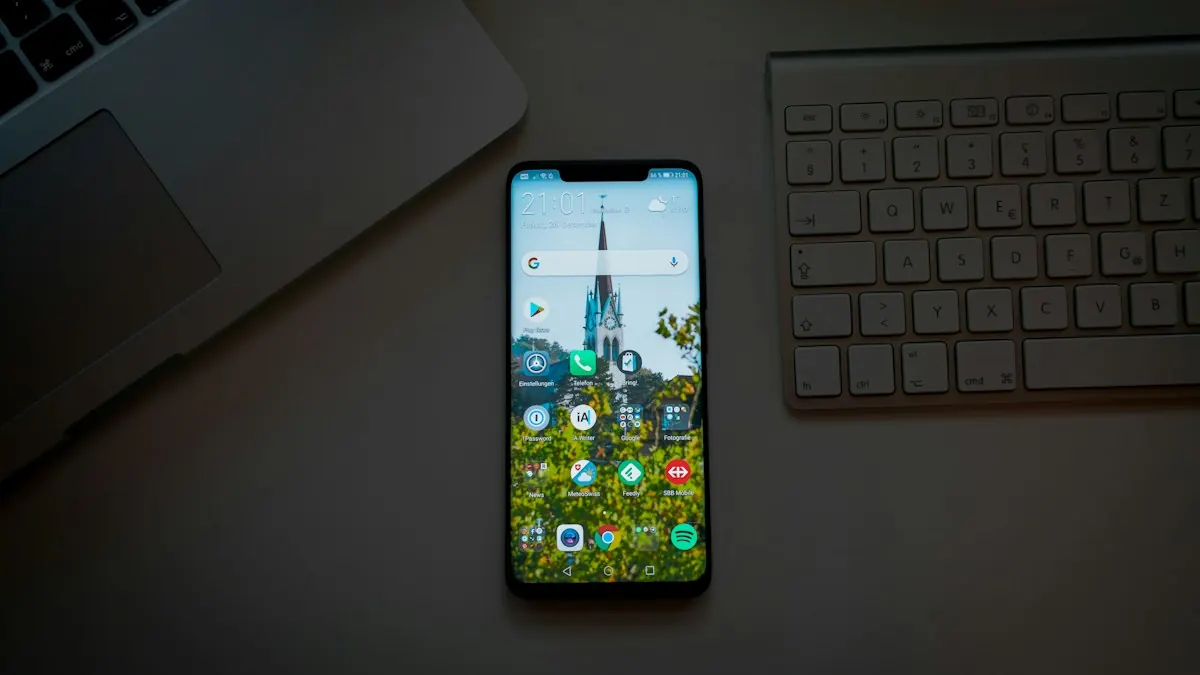
The ad earned the click with a specific promise, image or angle. The page should pick up exactly where the ad left off.
- Headline: reuse the ad's main promise, ideally the same words.
- Visuals: match the image, colors or style of the ad, so the visitor recognizes they're in the right place.
- Offer: if the ad promised a free guide or a discount, show it immediately.
Example: Continuing an Ad's Hook
Ad: A short video of a meal-prep routine with the text "5 Dinners, 1 Hour of Prep" and a "Get the Free Plan" button.
Weak page: A general homepage for a nutrition coaching business.
Strong page: A headline reading "Your Free 5-Dinner, 1-Hour Meal Prep Plan," a photo from the same shoot, three bullets on what's inside and an email form with a "Send Me the Plan" button.
If you run several ads with different angles, consider a version of the page for each angle. A page that continues one specific hook usually converts better than a general page trying to serve every ad.
Design for the Phone First
Most Facebook and Instagram clicks come from phones, often inside the app's built-in browser.
- Put the headline, offer and button on the first screen without scrolling.
- Keep copy short and scannable, with bullets and short paragraphs.
- Use a large button that's easy to tap with a thumb.
- Keep forms to one or two fields where possible.
- Compress images and avoid heavy video files that load slowly on mobile data.
- Preview on a real phone before launching.
Keep the Ask Small
Because social visitors are earlier in their journey, a small first step converts better than a big one. Common first offers include:
- A lead magnet: a checklist, guide, template or short course. Our lead magnet ideas list has options for different businesses.
- A quiz: personalized results in exchange for an email address.
- A webinar or workshop: a time-bound event with a clear outcome.
- A discount or low-price offer: for ecommerce and simple products.
- A free consultation: for service businesses with a strong offer.
Once they've taken the first step, your email sequence, retargeting ads and thank-you page can move them toward a bigger purchase.
Build mobile-friendly pages that match your social ads. Leadpages includes lead magnet and opt-in templates, plus Meta Pixel tracking.
Try LeadpagesLanding Page Versus Lead Ads
Meta's lead ads let people submit a form without leaving Facebook or Instagram, with details often pre-filled. That convenience can produce more leads at a lower cost, but often lower-quality ones.
| Factor | Landing Page | Lead Ads (Instant Forms) |
|---|---|---|
| Friction | Higher: visitors leave the app | Lower: form opens inside the app |
| Space to persuade | Unlimited | A short intro and the form |
| Lead quality | Often higher, since visitors read more first | Often lower, since signing up is very easy |
| Design control | Full control | Limited to Meta's form layout |
| Data and testing | Your own analytics and A/B tests | Meta's reporting |
Many advertisers use both: lead ads for simple, low-commitment offers and landing pages for offers that need more explanation. Test both with the same offer and compare cost per qualified lead, not just cost per lead.
Matching Pages to Funnel Stages
Facebook campaigns often target different audiences at different stages, and each deserves its own page.
- Cold audiences who don't know you: a lead magnet or quiz page with clear, quick value.
- Warm audiences such as video viewers or subscribers: a webinar, case study or consultation page.
- Hot audiences such as recent visitors or cart abandoners: a direct sales page or checkout with a reminder of the offer.
Our sales funnel vs landing page guide explains how these steps fit together.
Trust on a Social Landing Page
Visitors from social ads may never have heard of you. Real proof helps them decide.
- Testimonials or reviews from real customers, with names and permission.
- A short description of who you are and why you're credible.
- Clear privacy information near the form.
- A visible business name and contact details.
Never invent testimonials or follower counts. If you're new, a clear offer and a short, honest story about who you are is better than fake proof.
Tracking: Meta Pixel and Conversions
To know which ads produce leads and sales, install the Meta Pixel on your landing page and track the conversion event on the thank-you page or after a purchase. Many advertisers also use Meta's Conversions API, which sends events from a server rather than relying only on the browser, to make tracking more reliable.
Accurate tracking matters because Meta's delivery system uses conversion data to find more people likely to convert. Most landing page builders, including Leadpages, let you add the Meta Pixel to pages without code. Our Leadpages integrations guide covers tracking tools.
Retargeting Visitors Who Didn't Convert
Many visitors leave without acting. With the pixel installed, you can show follow-up ads to people who visited your page but didn't sign up, often with a different angle or a reminder of the offer.
An exit-intent pop-up can also catch some desktop visitors before they leave, though on mobile the trigger works differently, so timed or scroll pop-ups are usually used instead.
Testing Your Facebook Ads Pages
Facebook campaigns can send enough traffic to test quickly. Good first tests include:
- The headline, using two angles from your best ads.
- The offer, such as a checklist versus a short video course.
- Page length, short versus a longer page with more proof.
- The form, email only versus email plus first name.
Our A/B testing guide explains how to run a fair test.
Common Mistakes
- Sending ads to the homepage instead of a focused page.
- A headline that doesn't match the ad.
- Designing on desktop and only checking mobile afterwards.
- Asking for too much from cold social traffic.
- Skipping the pixel, so you can't tell which ads work.
For other social platforms, see our TikTok ads landing page guide and our LinkedIn ads landing page guide. Our mobile landing pages guide covers phone-first design.
Facebook Ads Landing Page FAQs
Do Facebook ads need a landing page?
Not always, since Meta offers instant forms and lead ads. A dedicated landing page gives you more space to persuade, more control over design and your own data.
What should a Facebook ads landing page include?
A headline matching the ad, a clear offer, mobile-first design, short copy, a small form or button, real proof and the Meta Pixel for tracking.
Should Facebook landing pages be short or long?
It depends on the ask. Short pages suit lead magnets and simple offers; longer pages suit higher prices and bigger commitments.
What's the difference between a Facebook landing page and a Google Ads landing page?
Facebook visitors are usually less ready to buy and mostly on mobile, so pages often offer smaller first steps. Google visitors are searching and want a direct answer.
How do you track conversions from Facebook ads?
Install the Meta Pixel on your page and fire a conversion event after sign-up or purchase. The Conversions API can make tracking more reliable.