On This Page
A/B testing a landing page means showing two versions to similar visitors at the same time and measuring which one converts better. To get a reliable answer, test one meaningful change, decide in advance how many visitors you need, run the test for at least a full week and don't stop early just because one version is ahead.
Start with changes that affect the decision most: the headline, the offer and the call to action. Small cosmetic tweaks rarely move results on their own.
Testing in Five Rules
- One clear hypothesis per test.
- Test big levers first: headline, offer, form.
- Work out your sample size before you start.
- Run for at least one full week.
- Don't stop the moment one version pulls ahead.
How A/B Testing Works
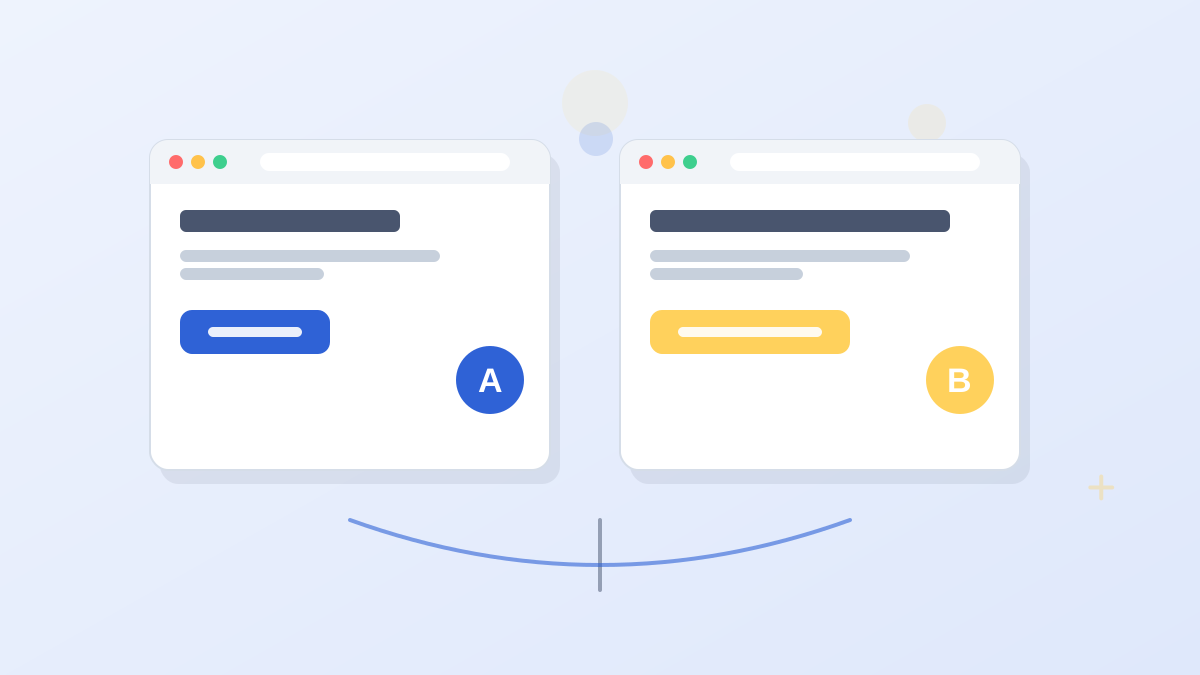
Your testing tool splits incoming visitors between version A (usually your current page) and version B (the change). Each visitor consistently sees the same version. When enough people have visited, you compare conversion rates and check whether the difference is large enough to be more than chance.
Because both versions run at the same time, outside factors like a holiday, a news event or a change in ad targeting affect both equally. That's why a proper test beats comparing this month with last month.
A/B, Split and Multivariate Tests
- A/B test: two versions of the same page, differing in one element or concept.
- Split URL test: two different page designs at separate URLs, useful for testing a full redesign.
- Multivariate test: several elements changed in combinations to see which combination works best. It needs much more traffic.
For most small and mid-sized businesses, simple A/B tests give the clearest lessons.
What to Test First

Test the things that change what visitors think and decide, not just what they see.
| Element | Why It Matters | Example Test |
|---|---|---|
| Offer | Changes whether the visitor wants it at all | Free guide vs free consultation |
| Headline | Shapes the first impression and message match | Speed-focused vs savings-focused promise |
| Form length | Changes the effort required | Email only vs name, email and phone |
| Call to action | Affects the final decision | "Get My Free Quote" vs "See Pricing" |
| Proof placement | Addresses doubt at the right moment | Testimonials near the top vs near the form |
| Page length | Matches depth to the decision | Short page vs long page with FAQ |
| Images | Show the result or product | Product screenshot vs customer photo |
| Button color | Visibility only | Usually low impact unless contrast is poor |
Write a Hypothesis
A hypothesis keeps tests focused and makes the result useful even if the change loses. Use a simple structure.
A Hypothesis Template
Because most visitors come from ads promising a same-day quote, we believe a headline that repeats "same-day quote" will increase form submissions, which we'll measure by the conversion rate on quote requests.
If the test wins, you've learned your audience responds to speed. If it loses, you've learned that wasn't the barrier, which narrows down what to test next.
How Much Traffic Do You Need?
This is where most tests go wrong. Small samples produce random "winners" that disappear later. The traffic you need depends on your current conversion rate and how big an improvement you want to detect.
Here's a rough guide using a common rule of thumb for a standard test (about 95% confidence and 80% power). These are approximations for planning, not exact requirements; a sample size calculator gives a precise figure for your numbers.
| Current Conversion Rate | Improvement You Want to Detect | Visitors per Version (Approx.) |
|---|---|---|
| 2% | 20% better (2% to 2.4%) | about 19,600 |
| 5% | 20% better (5% to 6%) | about 7,600 |
| 5% | 50% better (5% to 7.5%) | about 1,200 |
| 10% | 20% better (10% to 12%) | about 3,600 |
The pattern is clear. Detecting small improvements on low-converting pages needs a lot of traffic. If your page gets a few hundred visitors a month, test bold changes that could make a big difference, such as a different offer, rather than small tweaks.
How Long to Run a Test
Run each test for at least one full week, and ideally two to four, even if you reach your sample size sooner. Visitor behavior changes between weekdays and weekends, and a test that stops on a Tuesday can mislead you.
Decide your stopping rule before you start: the sample size you need and the minimum run time. Then stick to it.
The Peeking Problem
Checking results every day and stopping as soon as one version looks ahead is the most common testing mistake. Early leads often shrink or reverse as more data comes in. Wait for your planned sample.
Leadpages shows statistical significance as results come in, so you can tell when a test result is reliable. Testing starts on the Grow plan.
Try LeadpagesReading the Results
When your test finishes, check three things.
- Is the difference statistically significant? Your testing tool should tell you. If not, treat the result as "no clear winner."
- Is it big enough to matter? A tiny lift may not justify a change that complicates the page.
- Does it hold across segments? Check mobile and desktop, and major traffic sources. A change that wins on desktop but loses on mobile needs a closer look.
Then record what you tested, what happened and what you learned. A simple testing log stops you repeating old tests and builds knowledge over time.
What If You Don't Have Much Traffic?
Low traffic doesn't mean you can't improve. It means you should change your approach.
- Test bigger changes. A new offer or headline concept can produce differences large enough to detect.
- Use qualitative tools. Heatmaps, session recordings and customer interviews reveal problems without needing huge samples. Our heatmaps guide explains how.
- Apply best practices first. Fix obvious issues like message mismatch and long forms before testing. Our best practices guide covers them.
- Consider automated routing. Tools that shift traffic toward the better-performing version as data comes in can reduce how much traffic is spent on a losing variant.
A/B Testing vs Smart Traffic
Classic A/B testing splits traffic evenly until you pick a winner. Some platforms also offer AI routing, which sends each visitor to the version most likely to convert for them based on what it has learned.
Both have a place. Use A/B tests when you want a clear lesson you can reuse. Use AI routing when you want to maximize conversions from mixed traffic now. In Leadpages, manual A/B testing starts on Grow, and Smart Traffic, its AI routing feature, comes with Optimize. Our Leadpages A/B testing guide explains the difference in detail.
Common A/B Testing Mistakes
- Testing trivial changes that couldn't plausibly change a decision.
- Changing several things at once in a simple A/B test, then not knowing which one mattered.
- Stopping early when one version looks ahead.
- Ignoring segments such as mobile versus desktop.
- Testing during unusual periods, like a flash sale, then applying the result year-round.
A/B Testing Landing Pages FAQs
What should you A/B test on a landing page first?
The offer, the headline and the form length. These shape the visitor's decision more than design details.
How long should an A/B test run?
At least one full week, and typically two to four, until you reach the sample size you planned before starting.
How much traffic do you need to A/B test?
It depends on your conversion rate and the size of change you want to detect. Small improvements on low-converting pages can need thousands of visitors per version.
Can you A/B test with low traffic?
Yes, but test bold changes, run longer and support tests with qualitative tools like heatmaps.
What is statistical significance in A/B testing?
It's a measure of how unlikely it is that the difference you saw happened by chance. Most tools report it so you know when a result is reliable.