On This Page
- Why an Email List Matters
- Don't Buy an Email List
- The Step-by-Step Plan
- Choosing a Lead Magnet
- Building the Opt-In Page
- Adding Sign-Up Points to Your Website
- Getting Traffic to Your Opt-In
- Writing Your Welcome Sequence
- Growing Faster With Content Upgrades
- Keeping Subscribers
- Consent and Privacy
- Measuring Growth
- How to Build an Email List FAQs
To build an email list, set up an email marketing tool, create a useful free offer (a lead magnet), build an opt-in landing page for it, add sign-up forms and pop-ups to your website, then send traffic from social media, content, partnerships and ads. Welcome every new subscriber with an immediate delivery email and keep sending useful messages, so they stay.
The fastest lists are built around a specific promise to a specific audience. "Weekly marketing tips" grows slowly; "A free 7-day email course on getting your first wedding photography clients" grows faster because the right people instantly know it's for them.
The List-Building Starter Kit
- An email marketing platform.
- A lead magnet people want.
- An opt-in landing page.
- Forms and pop-ups on your website.
- A traffic plan.
- A welcome email sequence.
Why an Email List Matters
Social followers and search rankings can change overnight when algorithms do. An email list is a direct line to people who asked to hear from you, and you can take it with you to any email platform.
Email also gives you a way to build a relationship over time. Most people won't buy the first time they find you, but a helpful email series can bring them back when they're ready.
Don't Buy an Email List
Bought or rented lists contain people who never agreed to hear from you. Sending to them harms your sender reputation, damages deliverability for your real subscribers and can break anti-spam and privacy rules. Build your list from people who genuinely opt in.
The Step-by-Step Plan
- Choose an email marketing platform. Pick a tool that suits your size and budget, with sign-up forms, automation and good deliverability. Popular options include Mailchimp, Kit, ActiveCampaign and others.
- Define your audience and promise. Write one sentence describing who your list is for and what they'll get.
- Create a lead magnet. A checklist, template, guide, mini-course or discount that solves one specific problem for that audience.
- Build an opt-in landing page. A focused page with a headline, short description, image of the lead magnet and a form.
- Connect the page to your email tool. New subscribers should be added automatically and receive the lead magnet.
- Write a welcome sequence. Deliver the freebie immediately, then send a few emails introducing yourself and your best content.
- Add sign-up points across your site. Forms in blog posts, the footer, a pop-up and an alert bar.
- Drive traffic. Promote through content, social media, partnerships and, when ready, paid ads.
Choosing a Lead Magnet
The lead magnet is often the difference between a slow trickle and steady growth. The best ones are specific, quick to consume and immediately useful.
| Business Type | Lead Magnet Ideas |
|---|---|
| Coach or consultant | Assessment, worksheet, mini email course |
| Ecommerce store | First-order discount, buying guide, style quiz |
| Local service | Checklist, cost guide, seasonal maintenance calendar |
| SaaS or software | Template, free tool, webinar |
| Blogger or creator | Resource library, printable, cheat sheet |
Our lead magnet ideas guide covers dozens more, with tips for making each convert.
Building the Opt-In Page
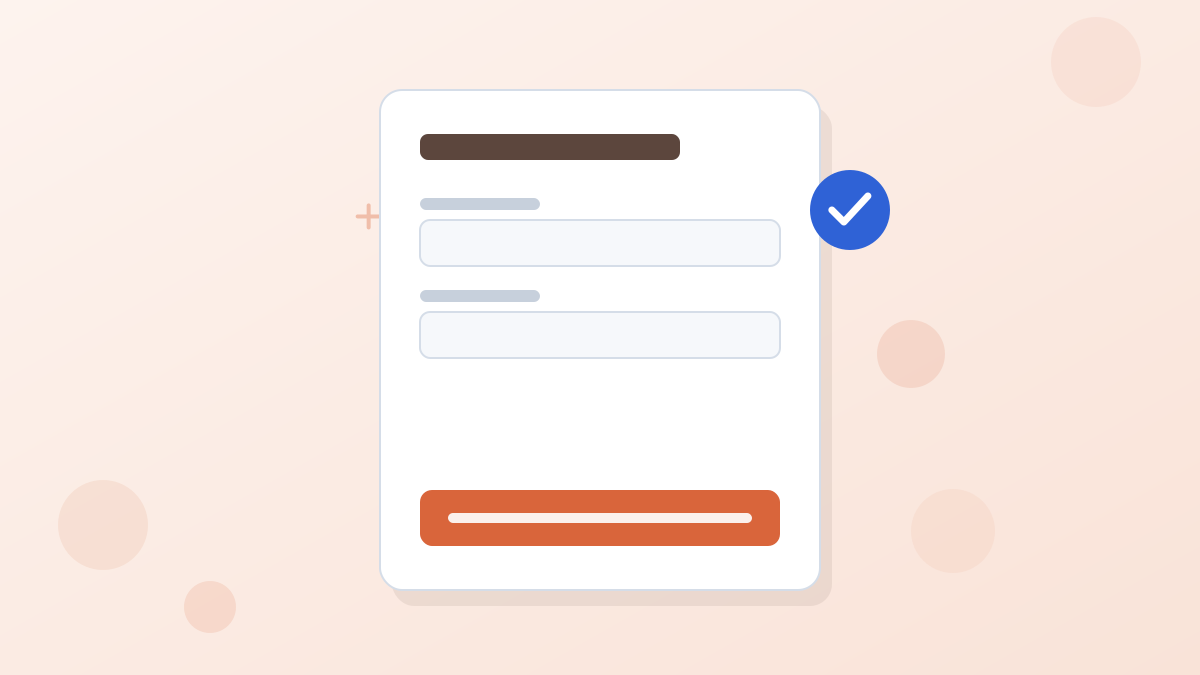
An opt-in page, also called a squeeze page, focuses on one thing: getting the sign-up.
- Headline: the specific result of the lead magnet.
- Short description: three bullets on what's inside.
- An image of the lead magnet, such as a cover or preview.
- A form asking only for an email address, or first name and email.
- A button describing what they'll get, such as "Send Me the Checklist."
- A privacy note saying you won't share their email.
Example: An Opt-In Page for a Bakery
Headline: Get Our Free Guide to Ordering the Perfect Celebration Cake
Bullets: How far ahead to order. How to choose the right size for your guest count. Flavor combinations our customers love.
Form: First name and email
Button: Send Me the Cake Guide
After sign-up: A thank-you page with a 10% first-order code and a link to the order form.
Build opt-in pages, pop-ups and alert bars in one place, and connect them to your email tool. Leadpages includes lead magnet templates and delivery.
Try LeadpagesAdding Sign-Up Points to Your Website
Your website visitors are your warmest audience. Give them several chances to join.
- In blog posts: a form related to the topic of the post, ideally offering a content upgrade.
- Pop-ups: a timed, scroll or exit-intent pop-up offering your lead magnet.
- Alert bars: a slim bar at the top of the page linking to your opt-in.
- Footer and sidebar: a simple newsletter sign-up.
- A dedicated "Subscribe" page linked from your navigation.
Getting Traffic to Your Opt-In
Content and SEO
Write helpful articles your audience searches for, each with a relevant opt-in.
Social Media
Share your lead magnet in posts and add the opt-in link to your profile bio.
Partnerships
Swap promotions with complementary businesses, guest post or appear on podcasts.
Webinars and Events
Workshops collect registrations and build trust at the same time.
Paid Ads
Facebook, Instagram and Google ads can accelerate growth once your opt-in converts well.
Offline
Use QR codes at events, on packaging and at your shop counter.
If you use ads, match the ad to the page. Our Facebook ads landing page guide explains how.
Writing Your Welcome Sequence
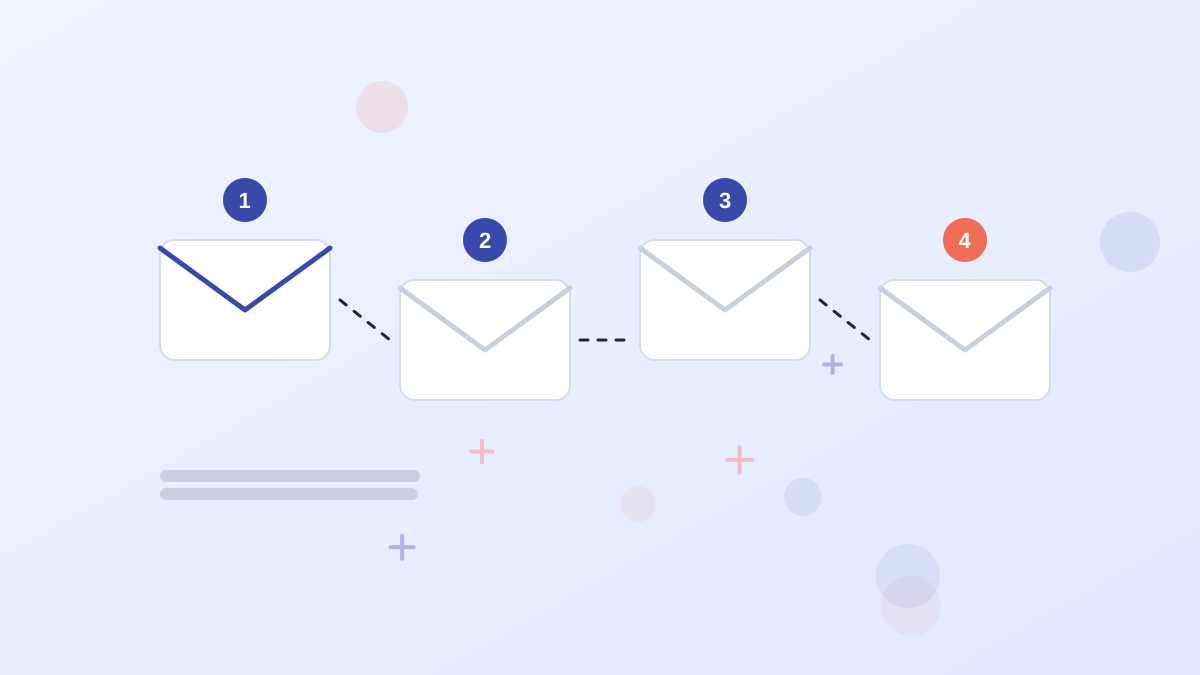
The first few emails are the most-read emails you'll ever send to a subscriber. Use them to deliver what you promised and set expectations.
| When | What It Does | |
|---|---|---|
| 1. Delivery | Immediately | Sends the lead magnet and says what's coming next |
| 2. Introduction | Day 1 or 2 | Explains who you are and why you're worth hearing from |
| 3. Best content | Day 3 or 4 | Shares your most helpful article, video or tip |
| 4. Quick win | Day 5 or 6 | Gives one practical step the subscriber can take today |
| 5. Offer or next step | Day 7 or later | Introduces your product, service or a related free resource |
Ask a simple question in one of the early emails, such as what they're working on right now. Replies help you learn about your audience and can also signal to email providers that people want your messages.
Growing Faster With Content Upgrades
A content upgrade is a lead magnet made for one specific article, such as a checklist version of a step-by-step guide. Because it's directly related to what the reader is already reading, it usually converts better than a general newsletter form.
Start with your most visited articles. Create one simple upgrade for each, add a form in the middle and at the end of the article, and track which ones grow your list fastest.
Keeping Subscribers
Growing a list is pointless if people unsubscribe or stop opening. A few habits keep a list healthy.
- Send what you promised, at the frequency you promised.
- Make every email useful, not just promotional.
- Segment subscribers by interest, so they get relevant emails.
- Remove inactive subscribers periodically to protect deliverability.
- Make unsubscribing easy, as required by anti-spam laws.
Consent and Privacy
Collect only the information you need, explain what subscribers will receive and get clear consent. Rules differ by country, such as GDPR in Europe and CAN-SPAM in the US, so check the requirements for where your subscribers live. Many email tools include double opt-in, which asks new subscribers to confirm their address.
Measuring Growth
Track a few numbers each month: new subscribers, the conversion rate of your opt-in page and forms, open and click rates, and unsubscribes. Improving your opt-in page conversion rate is often the quickest way to grow faster. Our landing page forms guide covers form tweaks that help.
How to Build an Email List FAQs
How do you start an email list with no audience?
Create a specific lead magnet, build an opt-in page, then promote it in communities, on social media, through partnerships and with small paid ad tests.
What do you need to build an email list?
An email marketing platform, a reason to subscribe such as a lead magnet, an opt-in page or form, and a way to drive traffic.
Should you buy an email list?
No. Bought lists hurt deliverability and often break consent rules. Build your list from people who opt in.
How long does it take to build an email list?
It varies widely. A strong lead magnet with regular promotion and some paid traffic grows much faster than a newsletter form alone.
Do you need a website to build an email list?
Not necessarily. A standalone landing page from a builder like Leadpages, connected to your email tool, is enough to start.