On This Page
- The Core Difference
- Leadpages vs WordPress at a Glance
- Cost Compared
- Building Landing Pages
- Testing and Optimization
- SEO and Content
- Using Leadpages and WordPress Together
- Speed, Security and Upkeep
- Real-World Scenarios
- Who Should Choose Which
- Pros and Cons
- Leadpages vs WordPress FAQs
- Launch Campaign Pages Without the Plugin Juggling
For campaign landing pages, Leadpages is usually faster and simpler: hosting, forms, pop-ups, checkout and A/B testing come built in, with no plugins to maintain. WordPress is the better home for your main website and blog, where its content management, flexibility and huge plugin ecosystem shine.
Many businesses use both. They run their site on WordPress and their campaign pages on Leadpages, published on a subdomain or served through the Leadpages WordPress plugin.
Quick Verdict
Use Leadpages for: ad landing pages, lead magnets, webinar sign-ups and sales pages you want live fast and want to test.
Use WordPress for: your main website, a large blog and anything that needs deep customization or many content types.
Use both when: you already run WordPress and want testable campaign pages without adding more plugins.
The Core Difference
WordPress is a content management system. It's free software, but you need hosting, a theme and usually several plugins to build landing pages with forms, pop-ups and testing. You're responsible for updates, security and speed.
Leadpages is a hosted landing page platform. Everything needed to publish and improve a conversion page is included in one subscription, and Leadpages handles hosting, SSL and maintenance. The trade-off is less flexibility than a self-managed WordPress site.
Leadpages vs WordPress at a Glance

| Factor | Leadpages | WordPress |
|---|---|---|
| Software cost | From $29/month, all-in | Free software, plus hosting, theme and plugins |
| Hosting and SSL | Included | You arrange it |
| Maintenance | Handled by Leadpages | Updates, backups and security are on you |
| Landing page building | AI drafts, goal-based templates | Theme or page-builder plugin |
| Forms and pop-ups | Built in | Plugins |
| A/B testing | From Grow ($99) | Plugins or third-party tools |
| Checkout | Stripe checkout built in | Plugins such as WooCommerce |
| Blogging and content | Basic blogs (1 to 10 by plan) | Best in class |
| Flexibility | Moderate | Very high |
Cost Compared
WordPress looks free, but a working landing page setup usually involves several paid parts. Here's a typical breakdown, with the WordPress side shown as categories since prices vary widely by provider.
| Cost | Leadpages | WordPress |
|---|---|---|
| Platform | Plan fee ($29 to $199+) | Free |
| Hosting | Included | Monthly hosting fee |
| Page builder | Included | Often a premium page-builder plugin |
| Forms and pop-ups | Included | Often premium plugins |
| A/B testing | Grow and up | Separate tool or plugin |
| Your time | Low upkeep | Updates, conflicts and troubleshooting |
The bigger cost is often time. Plugin updates, conflicts and speed tuning add up, especially if you're not technical. Leadpages trades that time for a predictable monthly fee.
Building Landing Pages
In Leadpages, you describe your page and the AI builder drafts it in about a minute, or you start from a template built for one goal. Forms, pop-ups and checkout are already there. Leadmeter scores the page as you work.
In WordPress, you usually install a page-builder plugin and design from a template. You get enormous flexibility, but also more choices to make and more ways for things to break.
What this means for you: if you launch a new campaign page every few weeks, Leadpages saves real time. If you build a handful of pages once and rarely change them, WordPress's flexibility may matter more.
Already on WordPress? Try Leadpages for 7 days for your next campaign page and compare the time it takes.
Try LeadpagesTesting and Optimization
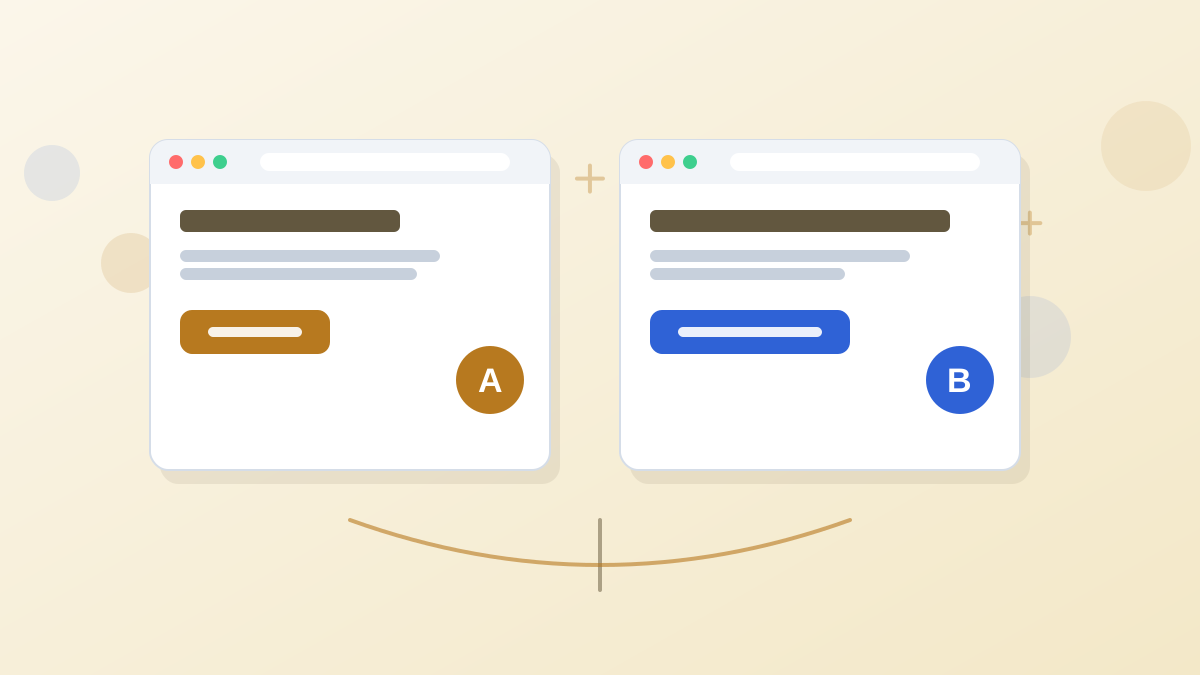
Leadpages includes A/B testing from Grow ($99), with dynamic text replacement for ad keywords. Optimize adds Smart Traffic, heatmaps and auto-personalization. All of it works on every page without extra setup.
On WordPress, testing typically needs a separate plugin or service, and results depend on how well it plays with your theme and caching. It's doable, but it's another moving part. Our Leadpages A/B testing guide explains what's included at each plan.
SEO and Content
WordPress is the stronger platform for content-led SEO. Categories, tags, custom post types and a huge range of SEO plugins make it ideal for a blog with hundreds of articles.
Leadpages supports multi-page sites and blogs, and each page has its own URL and metadata, which is enough for a small site and campaign pages. Leadpages itself says it isn't the right fit for large content sites. Our landing page SEO guide covers what matters for campaign pages.
Using Leadpages and WordPress Together
You don't have to choose. There are two common ways to combine them.
- Subdomain. Keep WordPress on yourbusiness.com and publish Leadpages pages on offers.yourbusiness.com. Simple, clean and no plugins needed.
- WordPress plugin. Leadpages offers a WordPress plugin that serves Leadpages pages through your WordPress site. Its 2026 release notes say it works with both Classic and new Leadpages accounts, and that pop-ups can appear on Leadpages pages served through WordPress.
The subdomain route is the most straightforward for most businesses. Our custom domain guide shows how to set it up.
Speed, Security and Upkeep

With Leadpages, hosting, SSL and platform updates are handled for you. Pages live on Leadpages' infrastructure, and there are no plugins to update or conflicts to resolve.
With WordPress, those jobs are yours or your host's. A well-managed WordPress site can be very fast and secure, but it takes ongoing care: updating core, themes and plugins, keeping backups, and checking that a plugin update hasn't broken your forms. For a business without a developer, that upkeep is the hidden cost.
Real-World Scenarios
Here's how we'd decide in a few common situations. The details are illustrative.
A Content-Led Blog With 300 Articles
Traffic comes mainly from search, and the business sells a course through an email list.
Our pick: WordPress for the blog, Leadpages for the opt-in and sales pages. WordPress handles the content library well. Leadpages pages for the lead magnet and course launch can be tested without touching the blog's theme.
A Dental Practice Starting Google Ads
Has a WordPress site built by an agency years ago and no in-house developer.
Our pick: Leadpages on a subdomain. The practice can launch a new-patient offer page this week, test headlines on Grow and avoid asking the agency to build and maintain new WordPress pages.
A Developer-Led SaaS Company
Has engineers comfortable with WordPress and wants complete control over every page.
Our pick: WordPress, possibly with Leadpages for experiments. In-house skills reduce the upkeep cost. Leadpages can still be useful for quick campaign tests that marketing wants to run without engineering time.
Who Should Choose Which
Choose Leadpages If...
You want campaign pages live quickly, with forms, pop-ups, checkout and testing built in, and you'd rather not maintain plugins.
Choose WordPress If...
You need a large content site, complete design control or features only available through its plugin ecosystem, and you're comfortable managing it.
Choose Both If...
You already run WordPress and want faster, testable campaign pages alongside it.
Pros and Cons
What We Like
- Leadpages: everything for conversion pages in one subscription.
- Leadpages: no plugin updates, conflicts or hosting to manage.
- Leadpages: AI drafts, testing and Smart Traffic built in.
- WordPress: unmatched flexibility and content management.
- WordPress: free software and a huge plugin ecosystem.
What to Watch
- Leadpages: less flexible than a self-managed site.
- Leadpages: basic blogging compared with WordPress.
- WordPress: you handle hosting, updates and security.
- WordPress: testing and pop-ups need extra plugins or tools.
If you keep WordPress, our Leadpages WordPress plugin guide shows how to publish Leadpages on your WordPress domain, and our best WordPress landing page plugins roundup compares the alternatives.
Leadpages vs WordPress FAQs
Is Leadpages better than WordPress?
For campaign landing pages, Leadpages is usually faster and easier. For a full website with a large blog, WordPress is more capable. Many businesses use both.
Can you use Leadpages with WordPress?
Yes. Publish Leadpages pages on a subdomain of your WordPress domain, or use the Leadpages WordPress plugin to serve pages through your WordPress site.
Is WordPress cheaper than Leadpages?
The WordPress software is free, but hosting, premium plugins and your time add up. For landing pages specifically, the total cost is often closer than it looks.
Do you need coding skills for either?
Not for Leadpages. WordPress can be used without code too, but setting up and maintaining plugins, themes and hosting takes more technical comfort.
Which is better for SEO?
WordPress, for content-heavy sites. Leadpages gives each page its own URL and metadata, which is enough for campaign pages and small sites.
Launch Campaign Pages Without the Plugin Juggling
Try Leadpages for 7 days and publish your next campaign page alongside your WordPress site.
Try Leadpages