On This Page
Leadpages has Stripe checkout built in, so visitors can pay without leaving your landing page. You connect your Stripe account, pick a product and price that you've set up in Stripe, and add a checkout to your page or pop-up. Leadpages doesn't add its own transaction fee; you pay Stripe's normal processing fees.
It's ideal for selling one offer at a time: an ebook, a course, a coaching package, a deposit or a subscription. It isn't a full online store. There's no cart or product catalog, so a shop with many products belongs on Shopify or similar.
Is Leadpages Checkout Right for You?
Great fit: coaches, creators and service businesses selling one product, package or subscription per page.
Works well for: digital downloads, course seats, event tickets, deposits and recurring memberships.
Not a fit: stores with many products, carts, inventory, shipping calculations or tax handling.
Cost: no extra Leadpages fee. Stripe charges its standard processing fees.
How Leadpages Checkout Works
The setup is short because Stripe does the heavy lifting on payments. Here's the flow from start to first sale.
- Connect Stripe. Link your Stripe account to Leadpages through a one-click sign-in. If you don't have one, Stripe accounts are free to create.
- Set up your product in Stripe. Create the product and its price, either one-time or recurring. Leadpages pulls your active Stripe products in automatically.
- Add a checkout to your page. Choose the product and place the checkout in your page or in a pop-up. You can also ask the AI builder to add a checkout section for you.
- Publish on a secure domain. Stripe requires HTTPS, and Leadpages includes SSL on connected domains.
- Get paid. Payments go straight to your Stripe account, and Leadpages tracks revenue alongside your conversion data.
Because customers pay on the same page they're reading, there's no jump to a separate cart. That's the main conversion argument for on-page checkout: fewer steps between deciding and paying.
What You Can Sell
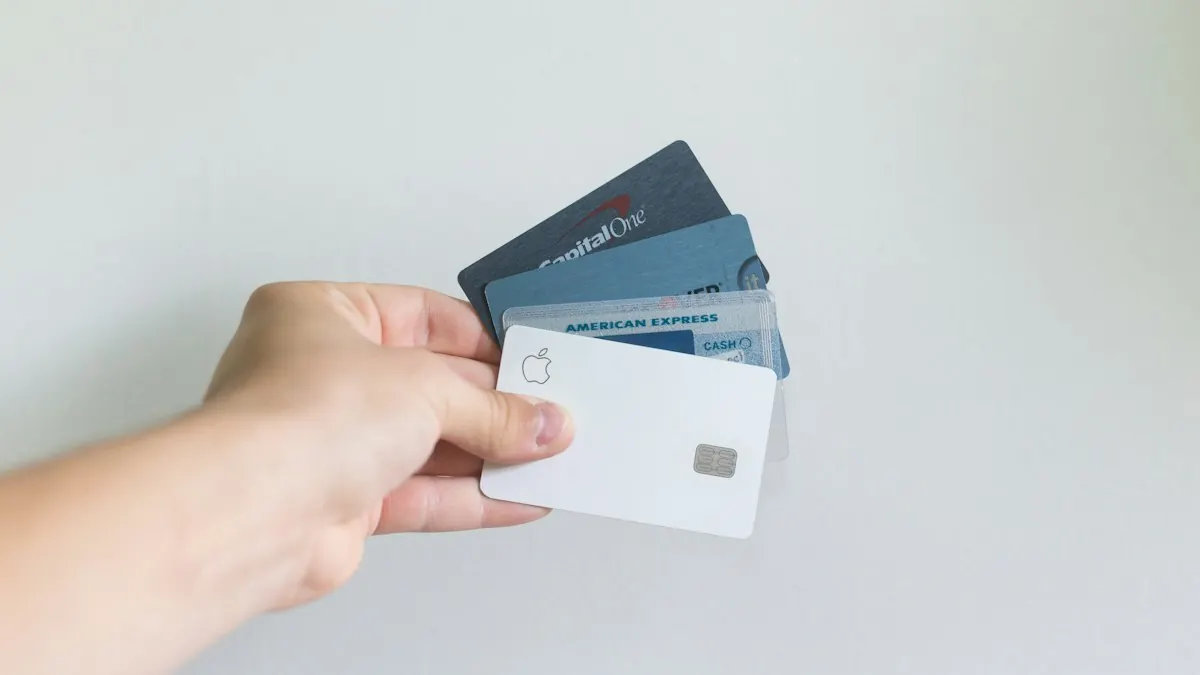
Leadpages checkout handles both one-time and recurring payments, which covers most single-offer businesses.
| What You Sell | Payment Type | Good Fit? |
|---|---|---|
| Ebook, template or digital download | One-time | Yes |
| Online course or workshop seat | One-time | Yes |
| Coaching package or consultation | One-time or deposit | Yes |
| Membership or community | Recurring | Yes |
| SaaS or service subscription | Recurring | Yes |
| Physical product (single item) | One-time | Possible, but you handle shipping |
| Store with many products and a cart | Varies | No, use a store platform |
Physical Products
You can technically sell a physical item, but Leadpages doesn't calculate shipping, tax or logistics. Leadpages' own help notes say shipping costs should be built into the product price. For one product, like a book you ship yourself, that's workable. For anything bigger, a store platform is the better tool.
What It Costs
Leadpages doesn't charge a fee per sale. You pay your Leadpages plan and Stripe's processing fees, which Stripe sets and publishes on its own pricing page. That's often cheaper than funnel or course platforms that take a percentage or require a pricier plan.
Checkout isn't listed as a plan-gated feature in Leadpages' pricing, and Stripe is among its integrations. If checkout is central to your business, confirm it on your chosen plan during the 7-day trial before relying on it.
Connect Stripe during the 7-day trial and run a test purchase on your own sales page before you go live.
Try LeadpagesDelivering What People Buy
Payment is one half. Delivery is the other. Leadpages gives you a few ways to get the product to your customer.
- Thank-you page. Send buyers to a page with the download link or access instructions.
- Email tool. Connect your checkout to your email platform so a delivery email goes out automatically, which works well for recurring products.
- Course or membership platform. Use Zapier to pass the purchase to a platform that grants access.
Our thank-you page guide covers what to include after a purchase.
Testing Your Checkout Before Launch
Always run a real test before you send traffic. Leadpages' help notes suggest setting a product's price to $0 in Stripe, refreshing your products in Leadpages and completing a purchase. Check that the payment records in Stripe, your delivery email arrives and the thank-you page loads. Then set the real price.
It takes ten minutes and saves you from discovering a broken checkout after your launch email goes out.
Checkout vs a Full Funnel Builder
If you're comparing Leadpages with ClickFunnels or Systeme.io, checkout is where the difference shows. Those tools are built around multi-step sales funnels with upsells, order bumps and membership areas. Leadpages focuses on high-converting pages with a single, simple checkout.
Choose Leadpages Checkout When...
You sell one main offer per page and want a fast, clean page with payment built in, plus testing to improve it.
Choose a Funnel Builder When...
You want upsells after purchase, order bumps, affiliate programs or a members' area in the same tool.
Our Leadpages vs ClickFunnels comparison and sales funnel vs landing page guide explain when each approach makes sense.
Building a Page That Sells
A checkout only works if the page in front of it persuades. For a paid offer, that usually means a longer page: a clear promise, what's included, who it's for, real proof, an FAQ that handles objections and the checkout itself. Our sales page guide walks through each section.
On Grow and higher, you can A/B test the page too, for example comparing two prices or two ways of presenting the offer.
Stripe checkout suits several kinds of pages; see our guides to ecommerce landing pages, online course landing pages and nonprofit landing pages.
Leadpages Stripe Checkout FAQs
Does Leadpages charge transaction fees?
No. Leadpages doesn't add a fee per sale. Stripe charges its standard processing fees on each payment.
Can you sell subscriptions with Leadpages?
Yes. Create a recurring product and price in Stripe, and it becomes available to your Leadpages checkout.
Can Leadpages replace Shopify?
For one product or offer per page, often yes. For a store with many products, a cart, inventory and shipping, no. Leadpages also integrates with Shopify if you already have a store.
Do you need a Stripe account to sell on Leadpages?
Yes. Leadpages checkout runs on Stripe, and you connect your own Stripe account. Creating one is free.
Can you put a checkout in a pop-up?
Yes. You can place a checkout on a page or in a pop-up, which is handy for selling from a button on a longer page.
Start Selling From Your Landing Page
Connect Stripe during the 7-day trial, build your sales page and take your first payment without a separate cart.
Try Leadpages