On This Page
Leadpages works well for small and mid-sized agencies that build lead-generation, paid-ads and webinar pages for clients. You get AI page drafts, brand kits pulled from a client's website, publishing on client domains, unlimited traffic and, on higher plans, A/B testing, Smart Traffic and heatmaps you can show in client reports.
The plan you need depends mainly on how many client domains and seats you need. Optimize suits a small agency, and Enterprise adds proper client workspaces, permissions and audit logs for larger rosters.
Our Recommendation
1 to 3 clients, solo or freelance: Grow ($99). Four domains, unlimited pages and A/B testing.
3 to 6 clients, small team: Optimize ($199). Six domains, three seats, Smart Traffic and heatmaps for reporting.
Larger rosters: Enterprise (from $399). Ten domains, ten seats, five client workspaces included and role-based permissions.
Extras: domains and seats are $20 a month each; extra client workspaces are $40 a month on Enterprise.
Why Agencies Choose Leadpages
Agencies ship the same kinds of pages repeatedly: paid-traffic pages, local service lead pages, webinar registrations and lead magnets. Leadpages is built around exactly those pages, which keeps production fast.
Faster Client Onboarding
Paste a client's website URL and Leadpages extracts a brand kit with colors, fonts, logo and favicon (Business and higher). New client pages match their brand from the first draft.
Pages in Minutes
The AI builder drafts a page from a client brief in about a minute, so your team spends time on strategy and copy rather than layout.
No Traffic Overage Risk
Unlimited traffic on every plan means a client's campaign spike never becomes an awkward invoice conversation.
Proof for Reports
On Optimize, heatmaps and Smart Traffic results give you visuals that explain why a page change worked.
Plan Limits That Matter for Agencies

For agencies, the deciding numbers are domains, seats and brand kits, not page counts.
| Plan | Monthly | Custom Domains | Editing Seats | Brand Kits | Client Workspaces |
|---|---|---|---|---|---|
| Business | $49 | 2 | 1 | 1 | No |
| Grow | $99 | 4 | 1 | 3 | No |
| Optimize | $199 | 6 | 3 | 5 | No |
| Enterprise | From $399 | 10 | 10 | 10 | 5 included |
Extra domains and editing seats cost $20 a month each on any paid plan. On Enterprise, client workspaces beyond the included five are $40 a month each. Unlimited view-only seats are included everywhere, so clients can look at pages without paying for a seat.
Working Out Your Cost
Say you have five clients, each with their own domain, and a team of two. Optimize covers six domains and three seats for $199 a month, or $159 billed annually. Spread across five clients, that's about $32 to $40 per client per month for hosting, testing and heatmaps. Most agencies roll that into a retainer.
If you grow to eight clients, you'd add two domains at $20 each, or move to Enterprise once you need separate client workspaces and permissions.
Trial Optimize for 7 days, onboard one client's brand kit and ship their first page to see how fast your team can move.
Try LeadpagesClient Workspaces and Permissions
Enterprise adds separate client workspaces, role-based access control and audit logs. Each client's pages, analytics and integrations stay separate, and you can control which team members see which clients.
That separation matters when you work with contractors or when clients want access to their own pages only. Below Enterprise, all pages sit in one account, so you'd organize by naming and folders and manage access more carefully.
Publishing on Client Domains
Each client's pages can be published on their own domain or a subdomain like offers.clientname.com. Leadpages provisions SSL automatically, and visitors see the client's web address, not a Leadpages one. Leadpages also markets white-label publishing for agencies. Confirm branding options on your plan during the trial.
If a client's developer manages their DNS, Leadpages can email them a setup link, which avoids sharing logins. Our custom domain guide covers the steps.
Testing and Reporting for Clients
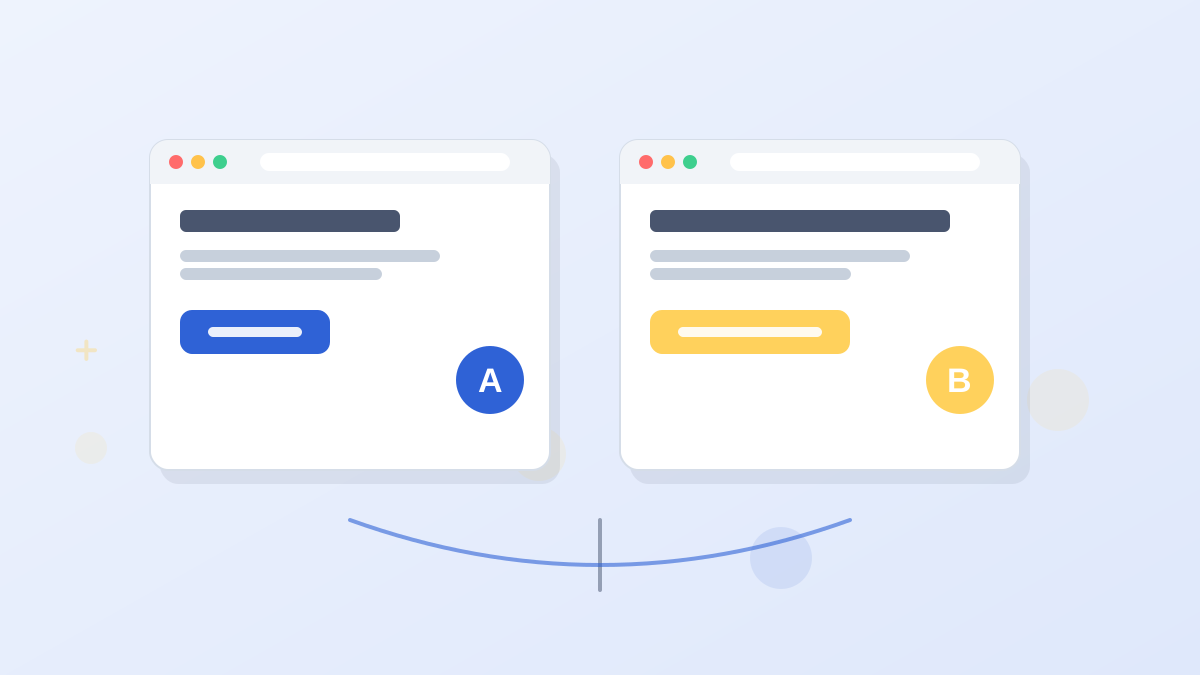
Testing is what turns a page-building service into an optimization service you can charge more for.
- Grow: manual A/B tests with up to four variants, plus dynamic text replacement for PPC clients.
- Optimize: Smart Traffic routes visitors to the best variant automatically, and heatmaps show clients where visitors click and stop scrolling.
- Enterprise: an auto-optimization loop that keeps testing across pages.
Optimize also adds Google Ads and Meta Ads conversion sync, so ad platforms optimize toward real leads. For clients spending meaningfully on ads, that's often worth the plan on its own. Our Leadpages A/B testing guide explains each layer.
Automating With the API and MCP
Leadpages includes a REST API from Pro and MCP connectors on every plan. MCP lets AI assistants build, edit and manage pages in your account. For agencies producing many similar pages, that can speed up repetitive work like spinning up a new location page from a template.
Where Leadpages Falls Short for Agencies
Leadpages isn't the right fit for every agency. These are the gaps to weigh.
- Integration caps. Active connections are capped at 5 below Optimize and 10 on Optimize. Clients with different email tools and CRMs can use those up.
- Workspaces need Enterprise. Small agencies on Optimize don't get separate client workspaces.
- Design control. Teams with front-end developers who want custom code everywhere may prefer Unbounce or Webflow.
For larger, enterprise-style agency setups, compare our Leadpages vs Instapage and Leadpages vs Unbounce guides.
Agencies weighing an all-in-one CRM platform should also read our Leadpages vs GoHighLevel comparison.
Leadpages for Agencies FAQs
Can agencies manage multiple clients in Leadpages?
Yes. Any plan can hold pages for several clients, and Enterprise adds separate client workspaces, permissions and audit logs, with five workspaces included.
Can you publish client pages on their own domains?
Yes. Connect each client's domain or subdomain, and Leadpages handles SSL. Optimize includes six domains and Enterprise ten, with extras at $20 a month.
Which Leadpages plan is best for a small agency?
Optimize suits most small agencies: six domains, three seats, Smart Traffic, heatmaps and ad-conversion integrations for $199 a month.
Do clients need their own Leadpages seats?
No. Unlimited view-only seats are included, so clients can view pages without paying for an editing seat.
Can you copy a client's branding automatically?
Yes. On Business and higher, paste the client's website URL and Leadpages extracts their colors, fonts, logo and favicon into a brand kit.
Ship Client Pages Faster
Trial Leadpages for 7 days with a real client brief and see how much time your team gets back.
Try Leadpages